Royal Caribbean International
- 4.7
- Rating
- 5.00M
- Installs
- Free
- Price

 Analysis by App-foxy
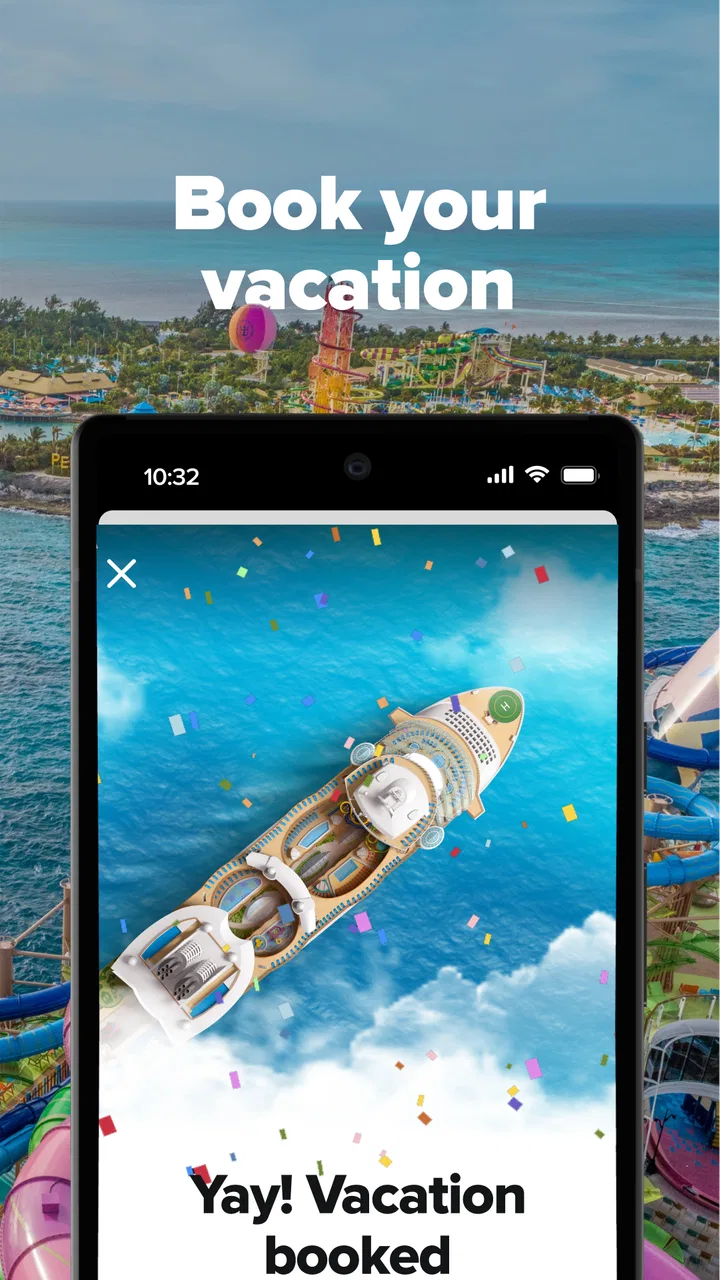
I found Royal Caribbean International most useful when I treated it as a practical companion for a cruise rather than as a general travel planner. It is a free Travel & Local app from Royal Caribbean Cruises Ltd., built around the company’s own cruise experience. That focus is its biggest strength: instead of making me jump between a booking page, a ship guide, an itinerary screen, and onboard information, it brings the parts of a Royal Caribbean trip into one place.
My overall view is positive, with one important qualification. This app is at its best when you already have a Royal Caribbean cruise to manage. It can make the trip easier to understand before departure and less confusing once you are onboard. It is not the right choice for someone comparing many cruise lines, planning an independent holiday, or looking for a broad travel app that covers flights, hotels, restaurants, and local transport equally well.
What the app does well before and during a cruise
The first useful change is psychological: a cruise can feel like a large bundle of separate decisions, while the app gives those decisions a single home. I can use it to keep track of the sailing, look through the ship-related information, and organize the parts of the holiday that would otherwise be scattered across emails, printed documents, and memory. That matters particularly for first-time cruisers, who may not yet know which details deserve attention before boarding.
You May Also Like

 Blood Strike: 2.5 Anniversary
Blood Strike’s Loadouts Turn Every Drop Into a Tactical Gamble
A close look at Blood Strike’s custom loadouts: how fast access to signature weapons reshapes its battle royale rhythm, rewards preparation, and narrows the gap between fights.

 Pandora - Music & Podcasts
Pandora’s Music Is Easy to Start, but Harder to Recover
Pandora’s strength is its low-effort path from a seed to a station. Its weak spot is how much confidence it asks you to place in connection, setup, and quiet recovery.

 8 Ball Pool
 Is Built on Rivalries, Rematches, and Routine
A close look at the rivalries, rematches, shared routines, and unanswered safety questions that turn a quick pool match into a persistent mobile community.

 Samsung Music
’s Quiet Strength Is Playing What You Already Own
Its reach comes less from spectacle than from dependable access to a personal library. That simplicity is both the app’s strongest retention engine and its ceiling.

 AccuWeather: Weather Radar
AccuWeather Review: A Quick, Clear Forecast for Everyday Decisions
For everyday plans, the best forecast is the one you can understand quickly. AccuWeather makes rain timing, radar, and local conditions easy to act on, with a few trade-offs.

 Hill Climb Racing
Why Hill Climb Racing Still Turns Crashes Into One More Run
A tiny car, a bumpy hill and one more upgrade: Hill Climb Racing keeps resurfacing because its simple chaos makes every near-miss feel personal.
More From Our News Desk



Its value is therefore less about one spectacular feature and more about reducing small sources of uncertainty. A passenger may want to check the itinerary, understand what the ship offers, review activities, or prepare for the day ahead. Having those details associated with the cruise makes the process feel more manageable than relying on a general search engine and hoping the information applies to the exact ship or sailing.
I also like the distinction between planning and using the app during the holiday. Before departure, it works as a preparation tool. During the cruise, it becomes a reference point. That change in role is easy to overlook, but it is one of the reasons a dedicated cruise app can be more useful than a normal travel planner. The trip has its own rhythm, and the information needed on a ship is different from the information needed in a city.
For example, imagine a family preparing for a sailing. One person wants to understand the route, another is interested in activities, and someone else is trying to keep the day organized. Without a dedicated app, each person may be checking different messages or asking the same questions repeatedly. With this app, the family can use the cruise information as a shared reference. It does not remove every decision, but it gives everyone a clearer starting point.
That shared aspect is especially helpful when plans change informally. A group may split up during the day and meet later, or decide that the original plan is too ambitious. Instead of treating the entire day as a fixed schedule, I would use the app to reorient myself: check what is relevant next, confirm where the cruise is in its itinerary, and decide whether an activity still fits. This is a more realistic way to use it than trying to create a perfect timetable hours in advance.
A better workflow than simply opening it at the port
My strongest practical recommendation is to install and explore the app before the trip becomes urgent. The best time to discover how the information is arranged is at home, when there is time to read and compare options. Waiting until boarding means using a new interface while also dealing with luggage, travel fatigue, queues, and the general noise of arrival day.
I would begin by checking the cruise details and then looking at the ship information with a specific question in mind: what do I need to know to make the first day easier? That might mean identifying activities that interest me, noting parts of the itinerary I do not want to miss, or simply becoming familiar with the way the app presents the voyage. This approach is more effective than browsing randomly, because a large amount of cruise information can become background noise if it is not connected to a decision.
A second useful habit is to use the app as a conversation tool with travel companions. Rather than sending screenshots back and forth or describing options from memory, I can open the relevant information while discussing plans. This is a small improvement, but it reduces misunderstandings in groups where different people have different priorities. Parents, couples, and multigenerational families can all benefit from having the same reference point.
I would also avoid assuming that every item visible in the app deserves equal attention. Cruise applications can present many possibilities, and the temptation is to fill every day. In my experience, the better strategy is to select a few priorities and leave room for rest or spontaneous choices. The app is useful for showing what can be done; it is not a reason to turn a holiday into a checklist.
Why a dedicated cruise app beats a general travel alternative here
A general travel app is usually better for comparing airlines, hotels, restaurants, maps, and independent activities across different providers. It is also the more sensible tool if the cruise is only one small part of a wider trip. Royal Caribbean International has a narrower purpose, but that narrowness is exactly why it can feel more relevant once the sailing is booked.
The difference is context. A general app may tell me about a destination, while this one is designed around the cruise experience connected to Royal Caribbean. A search engine may produce broad results, but it cannot organize those results around my particular ship experience in the same way. For a passenger who wants one place to return to for cruise-related planning, that specialization is more valuable than a larger list of unrelated travel functions.
There is a trade-off, though. The app’s usefulness is tied to the Royal Caribbean ecosystem. If I am still deciding between cruise companies, I would not make it my main planning tool. I would compare itineraries and travel arrangements elsewhere first, then use this app once Royal Caribbean becomes the relevant choice. That division of labor keeps expectations realistic.
Small details that make the experience more useful
One non-obvious benefit is that the app can help separate “I need to know this now” from “I might want to know this later.” Before sailing, I would use it for preparation and broad orientation. Once the trip begins, I would return to it for immediate decisions. This prevents the common mistake of trying to memorize everything in advance.
Another useful insight is that the app can support different travel styles without requiring the same schedule from everyone. A highly organized passenger can use it to prepare a structured day, while a more relaxed traveler can use it only when a question comes up. That flexibility is important because cruise groups often include both types of traveler. The app does not force me to plan every hour to benefit from it.
A third tip is to treat it as a backup for personal notes, not a replacement for them. If I have a meeting point, a reminder for a family member, or a personal packing concern, I would still keep that information somewhere I control. The app is strongest for cruise-specific information; personal organization may be easier in the phone’s normal notes or calendar tools. Combining the two gives me a more dependable system than expecting one app to handle everything.
I would also pay attention to how much attention the app demands. A cruise is supposed to be a break from constant screen checking. The most successful use is occasional and purposeful: open it when planning, checking, or deciding, then put the phone away. Used that way, it supports the holiday instead of becoming another source of digital clutter.
Where the app can frustrate and who should choose it
The main weakness is not that it lacks a broad travel scope; that is a deliberate limitation. The friction comes from having to adapt to a company-specific experience. If I am accustomed to a powerful general travel platform, I may miss the ability to compare unrelated providers or combine every part of a trip in one universal itinerary. This app is focused, and focused tools can feel restrictive when the user’s needs extend beyond the cruise.
There is also a learning curve in deciding how much of the app matters to me. A first-time user may open it expecting a simple boarding tool and instead encounter a larger set of cruise information. That can be helpful, but it can also feel like work if I only want a quick answer. My solution is to explore it in stages rather than trying to understand the entire experience in one sitting.
Another limitation is practical rather than technical: an app cannot replace attention to travel documents, personal arrangements, or common sense. I would not rely on it as the only place for essential travel information. I would keep important confirmations and personal plans accessible separately, especially during the journey to the port. The app is a strong companion, not a substitute for preparing responsibly.
People who dislike using apps on holiday may also find its value limited. If I prefer printed plans, direct conversations, or making decisions spontaneously without checking a phone, I may use only a small portion of what it offers. That does not make the app poor; it simply means the benefit depends on whether digital planning fits my travel style.
On the other hand, passengers who enjoy having options visible in advance are likely to appreciate it quickly. Families can use it to coordinate, couples can use it to balance different interests, and first-time cruisers can use it to become familiar with the structure of the trip. It is also a sensible choice for anyone who wants cruise information close at hand without repeatedly searching through old messages.
The app is available at no cost, which makes trying it before a sailing an easy decision. Its content rating is Everyone, so it is suitable for a broad audience rather than being designed around an adult-only use case. The current version is 1.73.4 and supports operating systems from version 9 onward, details worth checking when preparing an older phone for travel.
Its adoption also suggests that it has become a familiar tool for many passengers: it has over five million installs, an average rating of 4.6 from around 121 thousand ratings, and roughly 26 thousand written reviews. I do not treat those figures as a guarantee that every traveler will enjoy it, but they do indicate that the app is established rather than experimental.
Who will get the most from it
I would recommend it most strongly to people who have already booked a Royal Caribbean cruise and want a central place for trip preparation. First-time passengers are an especially good match because the app can make an unfamiliar holiday feel more approachable. It is also useful for groups, where sharing one source of cruise information can prevent repeated questions and conflicting assumptions.
Experienced cruisers may find it valuable in a different way. They may not need help understanding the basic idea of a cruise, but they can still use a dedicated companion to review the sailing and make choices before boarding. For them, the app is less about reassurance and more about efficiency.
I would be less enthusiastic about recommending it to someone who has not chosen a cruise line yet. That person needs comparison tools first. I would also point independent travelers toward a broader travel app if their main needs involve hotels, flights, local transport, or building a multi-provider itinerary. Royal Caribbean International is not meant to replace those services.
Finally, travelers with limited phone storage, an older device, or little patience for account-based planning should test the app early rather than waiting until departure. The operating-system requirement is clear, but compatibility alone does not guarantee a comfortable experience on every older phone. Giving myself time to update the device or choose another planning method is much better than discovering a problem at the port.
My verdict after using it as a cruise companion
Royal Caribbean International succeeds because it concentrates on a specific journey instead of pretending to be every kind of travel app. I found its strongest quality in the way it turns cruise preparation into a more organized process, then remains relevant when the holiday is underway. The benefits are practical: less searching, easier coordination, and a clearer connection between the planned sailing and the choices I make during it.
Its limitations are equally clear. It is not a universal travel planner, and it should not be treated as the only place for essential personal or travel information. Some passengers will find the amount of cruise-related material more than they need, while others will appreciate having that detail available. The right experience depends on whether I want a specialized tool or a broad, independent travel workspace.
My recommendation is straightforward: download it if your trip is with Royal Caribbean, explore it before departure, and use it selectively rather than constantly. For that audience, the free price and focused design make it an easy companion to add to the travel routine. For everyone else, a general travel app will probably be more useful until the cruise decision has been made.
Developed by Royal Caribbean Cruises Ltd., the app has been available since Aug 10, 2017, and its continued presence across Android and iOS gives it the feel of an established part of the company’s digital travel experience. I would not choose it for broad destination research, but I would choose it to make a Royal Caribbean sailing easier to prepare for and easier to navigate.
FAQs for Royal Caribbean International
01What features does the Royal Caribbean International app offer?
The Royal Caribbean International app enhances your cruise experience with a variety of features. You can check-in online, view your itinerary, book excursions, and reserve dining options. The app also provides a daily planner, deck maps, and access to onboard activities, making it a convenient companion for your cruise.
02Is the Royal Caribbean International app free to use?
Yes, the app is free to download and use. While the app itself does not require any payment, some features, like booking excursions or dining, may involve additional costs. It's important to note that while onboard, using the app won't incur data charges if connected to the ship's Wi-Fi.
03Can I use the Royal Caribbean app offline?
The app is designed to function offline once you're onboard, allowing you to access your itinerary, daily planner, and other essential features without an internet connection. However, for initial setup and some real-time updates, an internet connection is required, which can be accessed through Wi-Fi on the ship.
04How secure is the Royal Caribbean International app?
The app prioritizes user security with encrypted data transmission and secure login protocols. It’s essential to keep your app updated to the latest version to benefit from the latest security features and improvements. Always ensure you log out after use to protect your personal information.
05What devices are compatible with the Royal Caribbean International app?
The Royal Caribbean International app is compatible with most iOS and Android devices. It requires iOS 11.0 or later for Apple devices and Android version 6.0 or above. It's recommended to keep your device updated to ensure optimal performance and access to all the app's features.
Pros
- User-friendly interface for easy navigation.
- Comprehensive cruise itinerary details.
- Real-time updates on ship activities.
- Seamless booking process within the app.
- Interactive deck plans for quick access.
Cons
- Occasional slow loading times.
- Limited offline functionality.
- Notifications can be overwhelming.
- Requires frequent updates for stability.
- Some features need internet access.

Royal Caribbean International
Gallery